What your Ops Admin does
Specialized capabilities designed for your workflow.
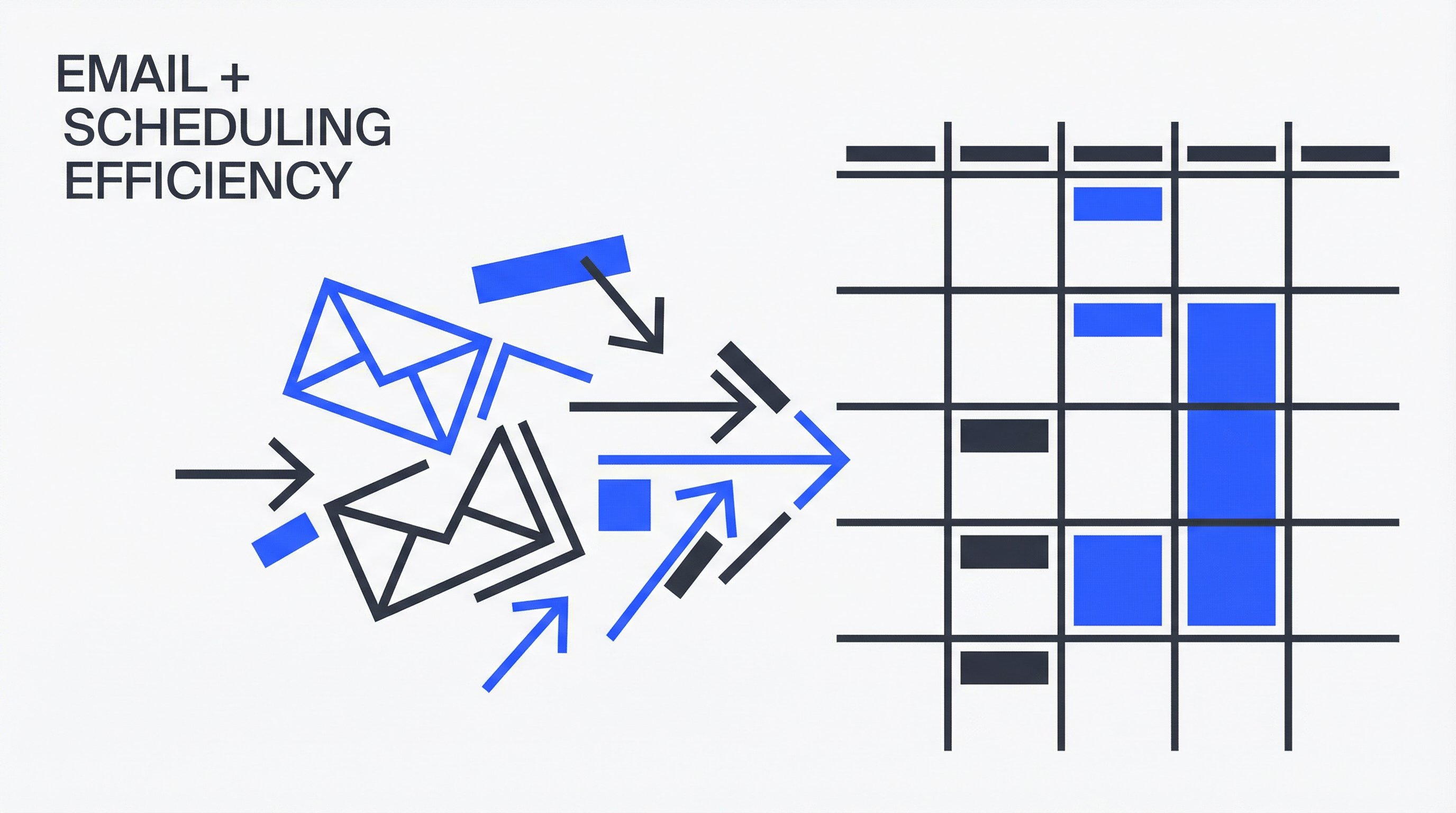
Inbox & communication
- Triage, prioritize, and route messages
- Draft replies aligned to your tone
- Track follow-ups and nudge owners
- Summarize long threads into actions and decisions
Scheduling & coordination
- Propose times, coordinate attendees, confirm agendas
- Handle reschedules and reminders
- Collect updates and compile status digests
Docs & admin workflows
- Request missing information/documents
- Organize files with naming conventions
- Convert emails and notes into task lists
Example workflows
01
"12 replies drafted, 3 escalations for decisions, 7 follow-ups queued."
02
"Scheduled 9 meetings and resolved 5 conflicts automatically."
03
"Weekly digest: what moved, what’s blocked, who needs to respond."
Tools supported
Gmail/Outlook, Google Workspace/Microsoft 365, Slack/Teams, Drive/SharePoint, Notion/Confluence
Who it's for
Founders, executives, ops teams, sales teams, and anyone drowning in inbox and coordination.
Autonomy & controls
1. Draft Mode
Default state. AI drafts everything for your review. Nothing is sent without approval.
2. Approve-to-Send
AI prepares actions and executes them immediately after your one-click approval.
3. Controlled Execution
Executes within strict rules and thresholds. Escalates on ambiguity.